Philip Winham's full heirloom workflow — from the moment a client books to the moment a finished oval-matted print ships out the door. The same gear. The same settings. The same look that's become his signature.
Six modules that walk you through every step Philip uses on every heirloom session. No filler. No theory. The exact process — and the exact files — that earned this method its waiting list.
Every piece of equipment in Philip's heirloom kit — and the budget alternatives. Plus the software stack that ties the whole workflow together.
What to tell them to wear. How to shoot babies (and how to shoot seniors). The marketing approach that's grown Philip's heirloom bookings.
The pop-up set, lighting setup, and exact camera + flash settings. Walkthrough video of building the heirloom studio anywhere.
Culling in Photo Mechanic. Building a clean, professional proof sheet in Lightroom. The exact email template Philip sends his clients.
The heart of the course. Lightroom base edit. The critical masking step. The Photoshop heirloom edit — blur, sharpen, generative expand, the iconic oval. Includes Philip's preset.
Exporting, gallery delivery via Pic-Time, oval mockup prep, ordering from Red Tree Albums, and shipping the finished heirloom to your client.
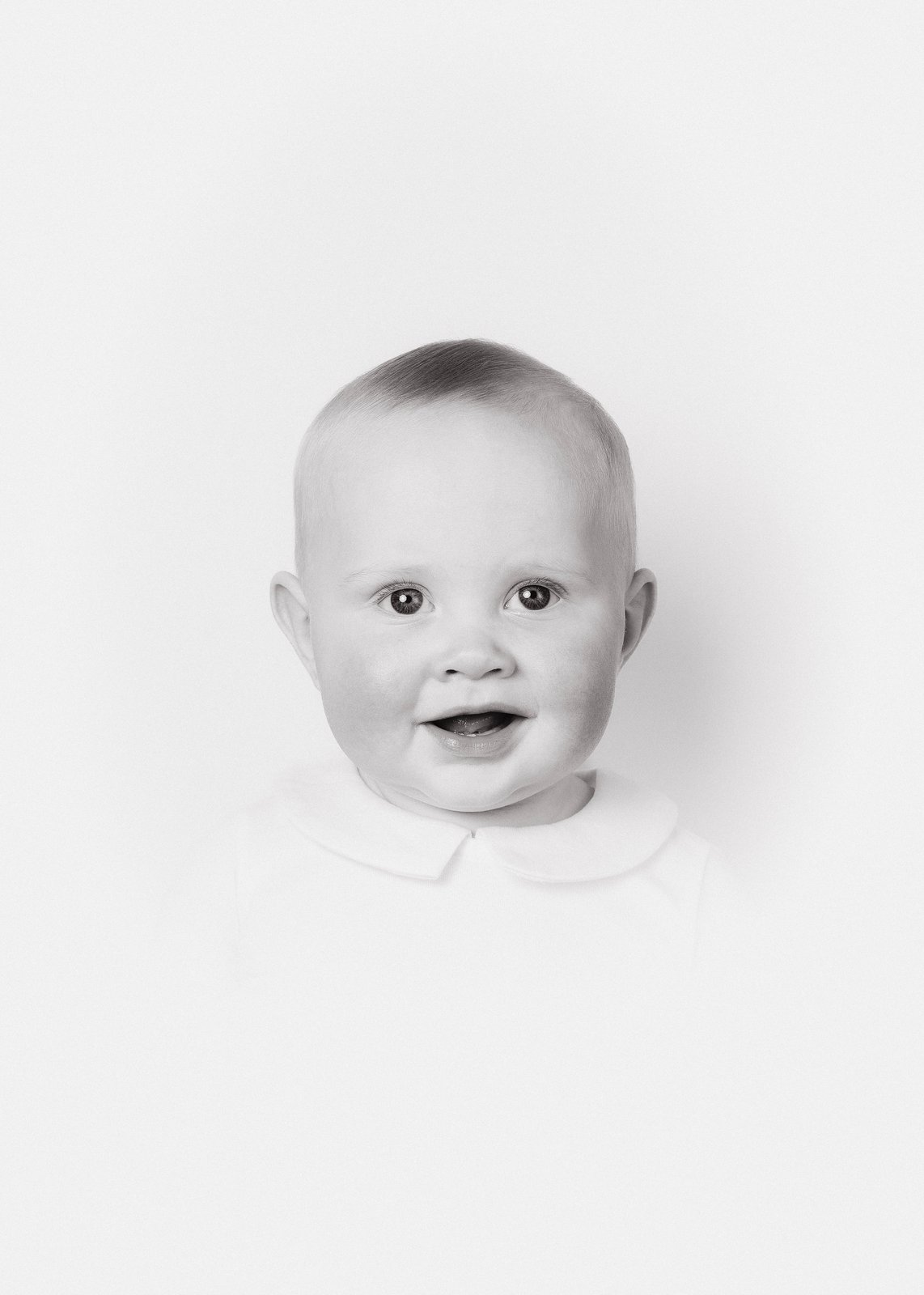
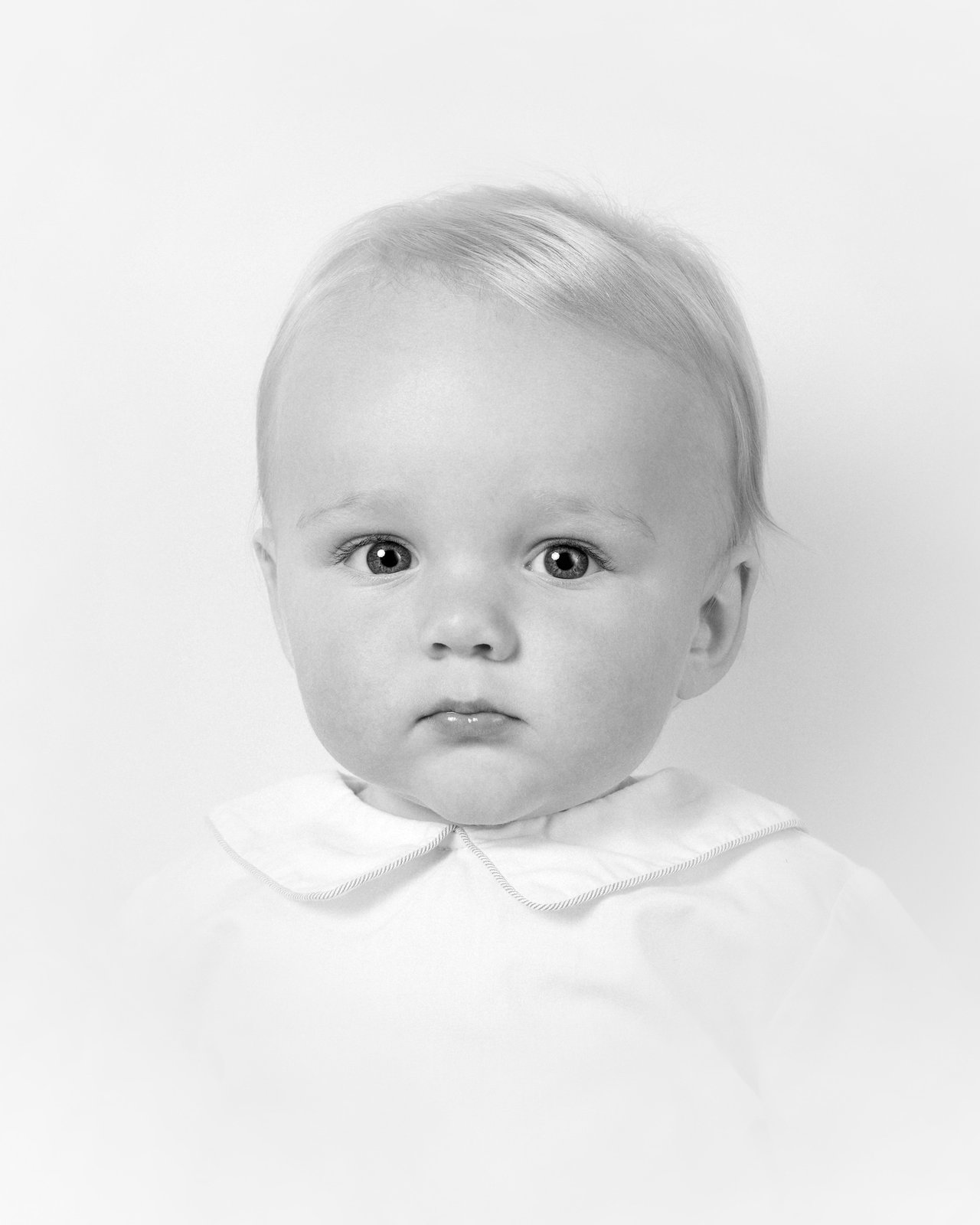
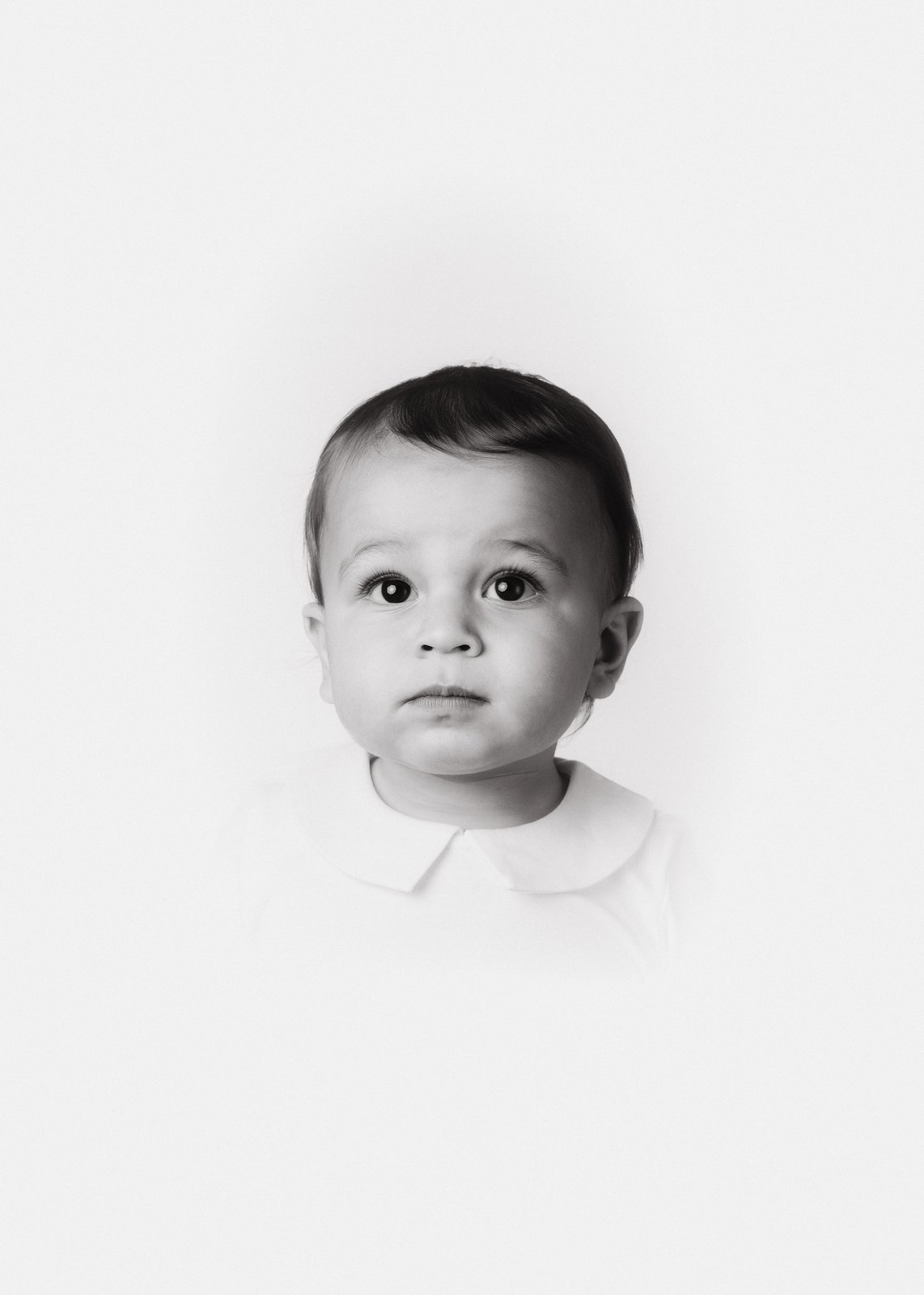
Real heirloom portraits from Philip's studio. By the end of the course, this is what comes out of your camera and your edit.

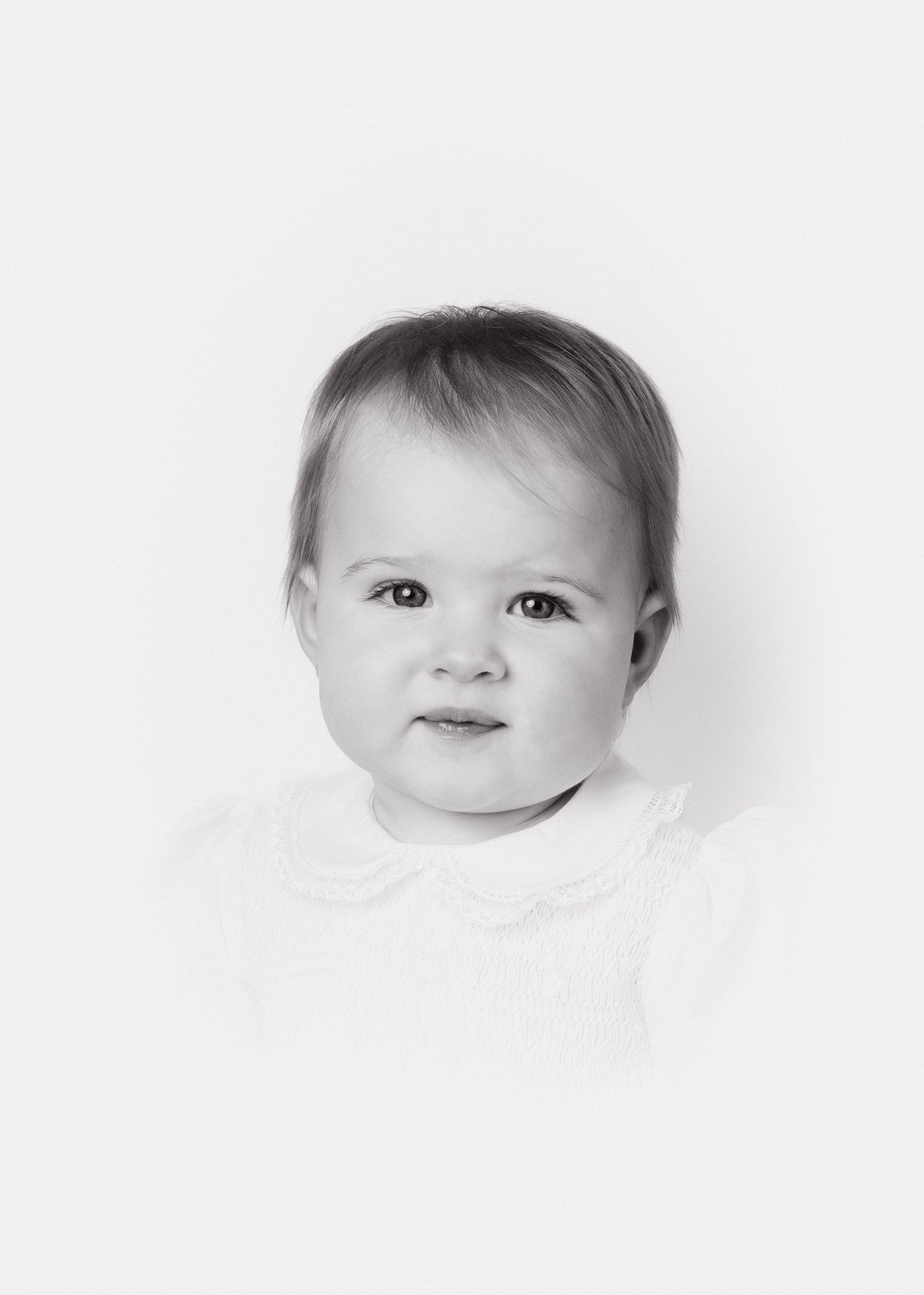

The Edit gives you the signature look. The Intensive gives you everything — including time with Philip.
One-time · lifetime access
One-time · lifetime access · includes 1-on-1
14-day refund if it's not for you. Watch less than a third of the course and your money's back, no questions.
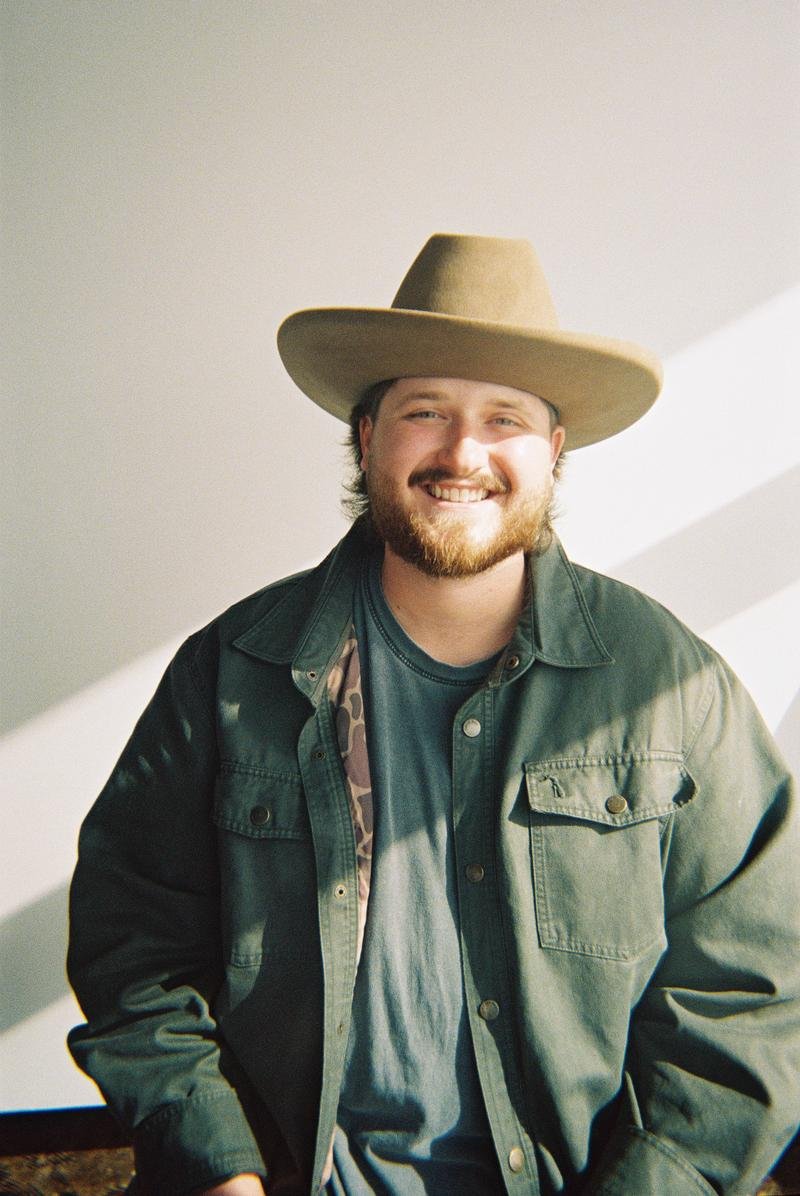
Philip has spent the last few years building a heirloom portrait practice from College Station, Texas — shooting babies, seniors, families, and the people in between who want a frame on the wall, not a file on a phone.
He started teaching almost by accident: word got out, photographers asked, and four cohorts of fifteen students later, he'd refined a workflow tight enough to teach. This course is that workflow — every gear choice, every setting, every Photoshop click — packaged so you can run it tomorrow.
Find him on Instagram at @philipwinhamphoto.
No. The first module gives you the full list with budget alternatives — you can take the whole course before you buy a thing. By the end you'll know exactly what's worth the money and what isn't.
A focused weekend if you binge it. A few weeks if you go module by module. There's no countdown — you have lifetime access, and the course is structured so you can return to any single technique when you need it.
Yes. The settings and gear are specific to Philip's kit, but the principles transfer cleanly. The editing process — which is the bulk of the course — is body-agnostic.
14-day money-back guarantee. If the course isn't for you, email us within 14 days and you get a full refund — no questions, no exit survey. Full refunds available as long as you've watched less than a third of the lessons.
Yes — when the workflow changes, lessons get re-recorded, and you get the updates as part of lifetime access. Adobe will keep moving menus around; you won't be left behind.
Pick your tier. Watch lesson one tonight. Shoot your first heirloom by the weekend.
See The Tiers