
Welcome to the Heirloom Method.
"My biggest fear in making this course is that people would walk away and feel like they didn't get anything out of it. So let me tell you what we're doing here."
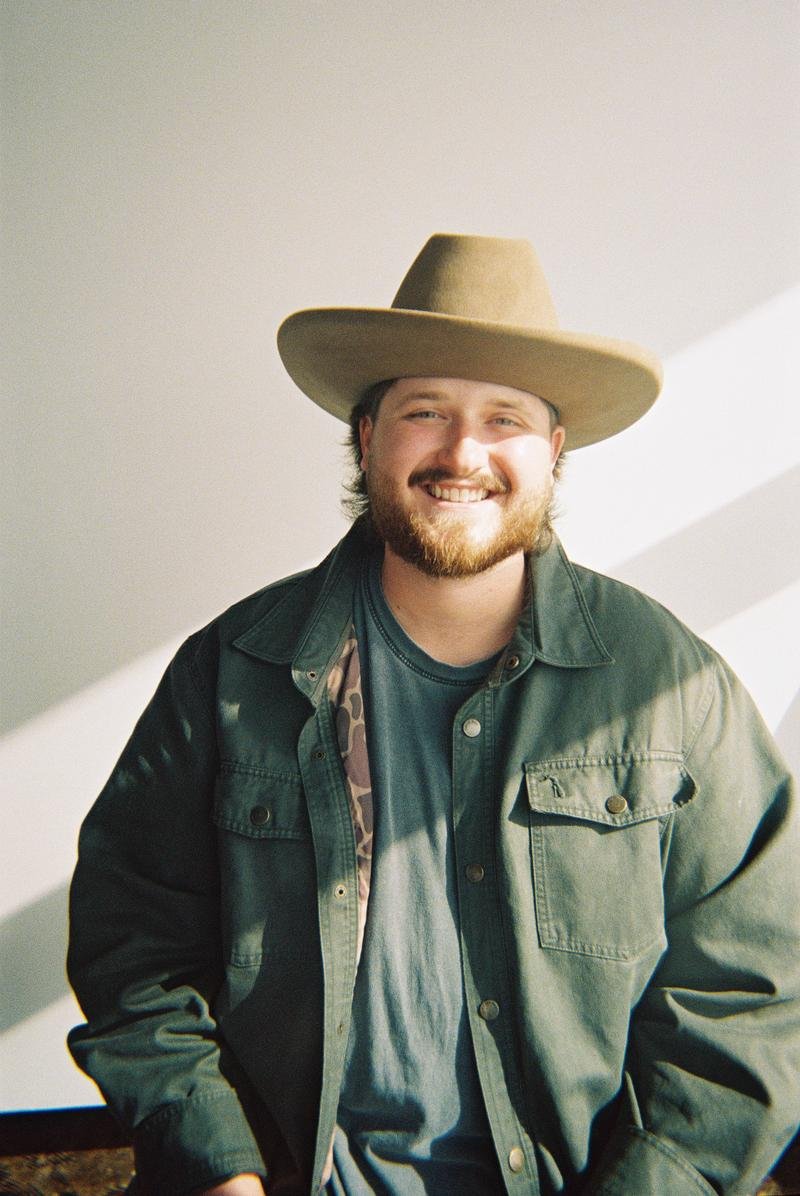 Welcome from Philip · 4:12
"I want to be upfront with you. I've taught this course several times over Zoom now, and each cohort taught me something. The course you're about to take is the version of this workflow that survived all of that."
"Every gear choice in here is one I've made because the alternative didn't work as well. Every setting I give you is one I've shot at hundreds of times. Every Photoshop step is one I do on every single heirloom I deliver. If something in this course doesn't seem important, it's because I haven't explained it well enough yet — not because it isn't."
"Take your time. Come back to lessons. Email me if you get stuck. Let's go."
What we're going to do together
By the end of this course you'll be able to execute Philip's full heirloom workflow — start to finished oval-matted print. Here's how we get there.
Gear & Foundation
Every piece of equipment Philip uses — and the budget alternatives. The full software stack with the why behind each choice.
Working With Your Client
The wardrobe playbook, kid-attention tactics, client vetting, and Philip's actual pricing journey — the business side of the heirloom.
The Shoot
The pop-up set. The edge-of-softbox rule that makes the look soft. Exact camera, flash, and Kelvin settings — all the non-negotiables.
Selection & Proof Sheet
Culling in Photo Mechanic. Building the proof sheet. The 48-hour selection rule for when clients go dark on you.
The PWP Heirloom Edit
The heart of the course. Lightroom base edit, the critical masking step, the Photoshop heirloom edit, the iconic oval, and the B&W virtual copy.
Delivery & Print
Exporting, gallery delivery via Pic-Time, oval mockup prep, ordering from Red Tree Albums, and shipping the finished heirloom.
How to actually use this course
- Watch the lessons in order, your first time through. The workflow is sequential — Module 03 references settings from Module 01, Module 05 references files from Module 04.
- Download every PDF as you go. The PDFs are your reference for when you're shooting and don't have time to scrub a video.
- Re-watch Module 03 lessons as needed. Lighting setups are the kind of thing that clicks on the 3rd or 4th rewatch. Don't expect to get it the first time.
- Don't skip Module 05's masking step. Philip will tell you twice. Listen to him.
- Premium tier: book your 1-on-1 with Philip when you've completed your first real heirloom session. Bring the images. He'll redline.
A note on the live cohorts
If you want to see Philip teach this material in real time — including the Q&A from the photographers who came before you — the recordings of the eight live cohorts are unlocked in your dashboard. They're a goldmine for the "what if my situation is different" questions. Open the cohort vault →